X Chat Window
Get more DMs from your site
About this component
About
X Chat Window adds an X-style messages popup to your Framer projects. Turn any page into an entry point for X DMs: visitors type a short message idea and then jump straight to your X profile to continue the conversation directly on X. Licensed for unlimited personal and commercial projects by the purchaser.
What it does
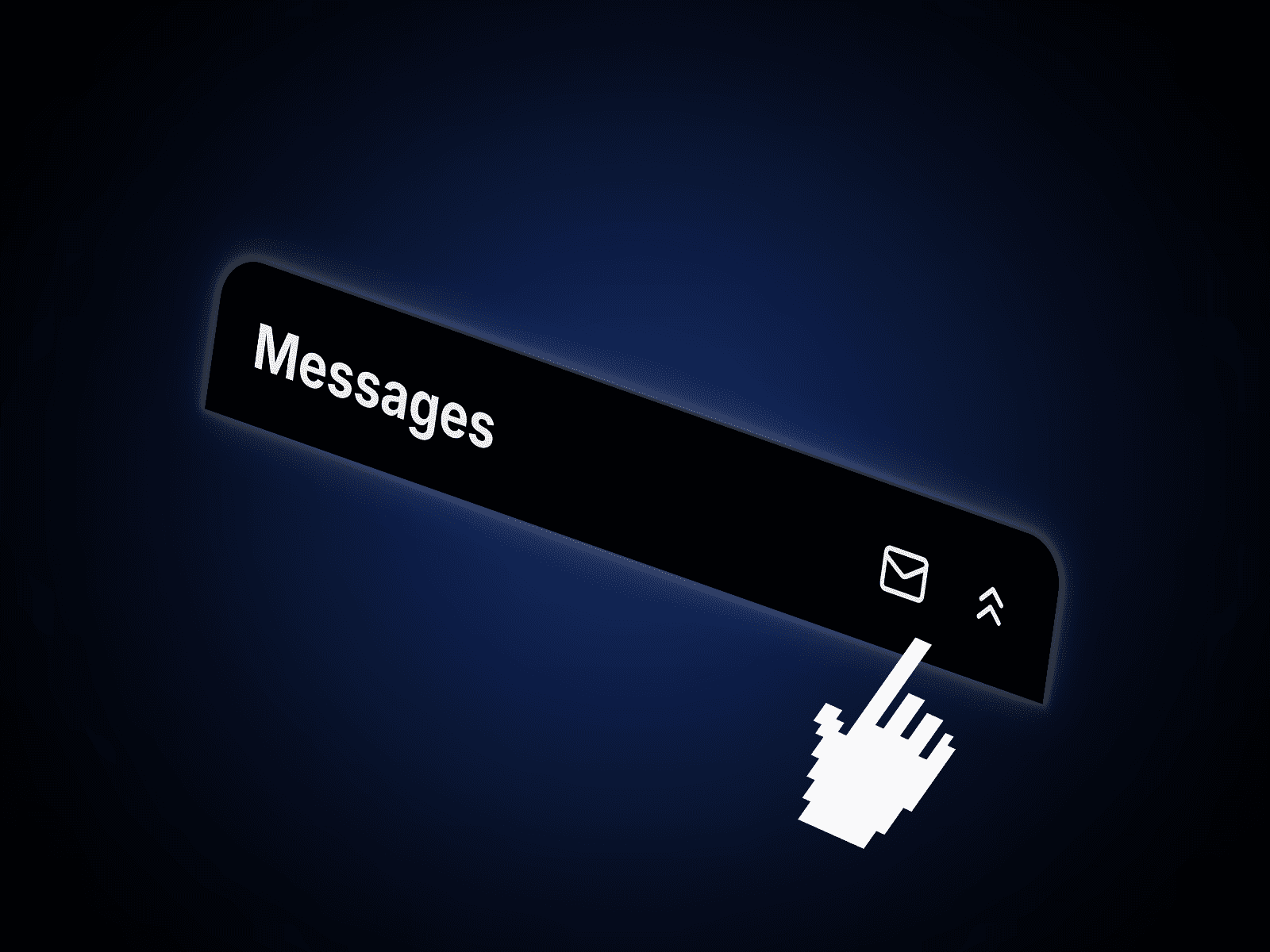
Renders a floating “Messages” bar that sits in the corner of your page, shows your X details, and displays a welcome line plus helper text. Visitors can type a short message into the input field, then hit send to open your X profile in a new tab and finish the DM directly on X.
Note: X Chat Window does not send messages from your site, it acts as a clean, X-style launcher for your DMs.
How to set up
Add the X Chat Window component to your Framer project.
Use the property panel to plug in your X details and basic styling.
Drag the component into your Desktop breakpoint.
Set the component to Fixed position and give it a z-index of 10.
Position it in the corner where you want the chat to live.
Adjust tablet and mobile breakpoints so the chat window stays responsive on all screens.